
Visual content has become the driving force of modern communication. From social media platforms and online stores to digital marketing campaigns and academic research, images influence how people learn, shop, and make decisions. In a fast-paced digital environment, the ability to quickly locate accurate and relevant visuals is no longer optional it is essential. This is where Image search techniques play a powerful role.
Understanding how to find, verify, and analyze images efficiently can benefit students, marketers, journalists, designers, and business owners alike. Whether you want to confirm the source of a photo, discover similar products, or gather inspiration for creative work, mastering image search methods can dramatically improve your digital workflow. This comprehensive guide explains how image search works, explores different methods, highlights top tools, and shares best practices to help you use visual search effectively in daily and professional life.
What Is Image search techniques?
Image search is a digital process that allows users to search for pictures using keywords (or) by uploading an image to search, instead of typing words in. Unlike traditional text-based search, where the focus is mainly on textual content; image search focuses on visual content. A user may either describe what they want to find or they may upload a photo to discover visually similar or identical images on the web.
Image searches use far greater technology today than simply matching keywords. Today’s image searching tools and engines make use of several technological advances including artificial intelligence, machine learning, and computer vision, all working together to provide users the ability to analyse the structure of an image (including the structure of an image file), colour(s) of an image (including the colour palette of an image), objects within an image, and the contextual relevance of an image to other; all within seconds.
The use of image searching is prevalent in a number of fields including journalism and news reporting, eCommerce and retailing, research for educational purposes, as well as digital marketing purposes. The growing accuracy and speed of image searching is making it one of the most valuable digital resources available today.
How Image Search Works?
The functionality behind image searching becomes easier to comprehend by breaking down the general working process involved into distinct logical steps. When a person includes a picture, or enters a keyword into an image search the search engine is analysing the visual data.
The image search engine looks at different features of an image (such as shape, edge, pattern, texture, and combination of colours) as well as textual features to identify how the image will match what was entered into the image search engine.
The search engines will create a digital signature for the image based on the features of the image and then compare that digital signature along with the billions of indexed images in their image database using complex algorithms and deep learning models to find matches between similar images, patterns and contextually similar images.
For an example consider the use of metadata in keyword based searches (image title, image caption, ALT text, and content of the current page). All of these features of an image will help the search engine to understand what the image is and where to find content related to that image, whereas pixel level analysis of an image and recognition of attributes within an image using AI are typically the primary basis of results returned from an image search.
As a real world example, if you upload an image of a red handbag into an image search engine, the search engine will identify the colour of the handbag, the design of the handbag, and the shape of the handbag, and will return results of similar handbags, or matches to the original count that are available for purchase online. Therefore the basic process involved in how images are searched can easily be illustrated through actual case studies.
Types of Image Search Methods
Different goals require different approaches. Understanding the main types of Image search techniques helps users choose the most effective method.
Keyword-Based Image Search
The easiest and most commonly used method is a text-based search. Users can type in a descriptive phrase like “mountains at sunset” or “contemporary office space” and find various images that are connected to those keywords.
This method relies on the use of metadata and is best used for general searches as well as for visual aids for blogs and websites, marketing materials, and presentations. To enhance your search results, it is recommended that you use specific phrases instead of general terms. For example, you will receive much better results by searching for “black leather running shoes” instead of just searching for “shoes”.
Reverse Image Search
A user can upload an image (rather than having to type in a keyword) and have the search engine find the location of the image online, or provide you with similar images.
For example, reverse image search techniques can be employed to detect instances of plagiarism, validate authenticity, or track how the image is being used. In typical scenarios, reporters may use reverse image search techniques to confirm whether viral photos are genuine or modified. Businesses may also use reverse image search techniques to keep track of their images being used without their permission.
Visual Similarity Search
Visual similarity searches focus on images based on their visual characteristics and aesthetics rather than finding an exact match as a reverse search would do. When searching for similar images to what you’re looking for, visual similarity searches will return images that have similar designs based on either their layout/design or style.
Fashion, interiors, and eCommerce have all embraced this technology. When you find an item of furniture, or an item of clothing that you like visually, you can use visual similarity searches to find additional items that have similar styles.
Color and Pattern-Based Search
Designers and marketers commonly utilize this strategy to establish a coherent look and feel to their design. Users can apply visual filters to content such as filtering results by the dominant color or pattern, which provides them with the opportunity to create a cohesive visual identity that exemplifies their brand’s identity requirements.
Many creative platforms and search engines provide color filter capabilities to help users filter through content by color tone or palette to produce effective branding initiatives and create effective mood boards.
Object and Facial Recognition Search
Object recognition systems detect specific items such as cars, animals, landmarks, or logos. Facial recognition technology identifies individuals across different images.
These tools are used in security, law enforcement, media verification, and social networking. While powerful, they also raise important privacy and ethical considerations.
When to Use Each Method
Choosing the right method increases accuracy and saves time. Keyword searches are ideal for general content discovery. Reverse image search techniques are best for verification and source tracking. Visual similarity works well for design inspiration and shopping. Color-based filtering supports branding consistency. Object recognition is useful for identification tasks.
Combining multiple approaches often produces the best results. For instance, marketers might begin with keyword searches and then verify authenticity using reverse tools. Understanding the strengths of different Image search techniques leads to more efficient outcomes.
Top Tools for Image Search
Google Images
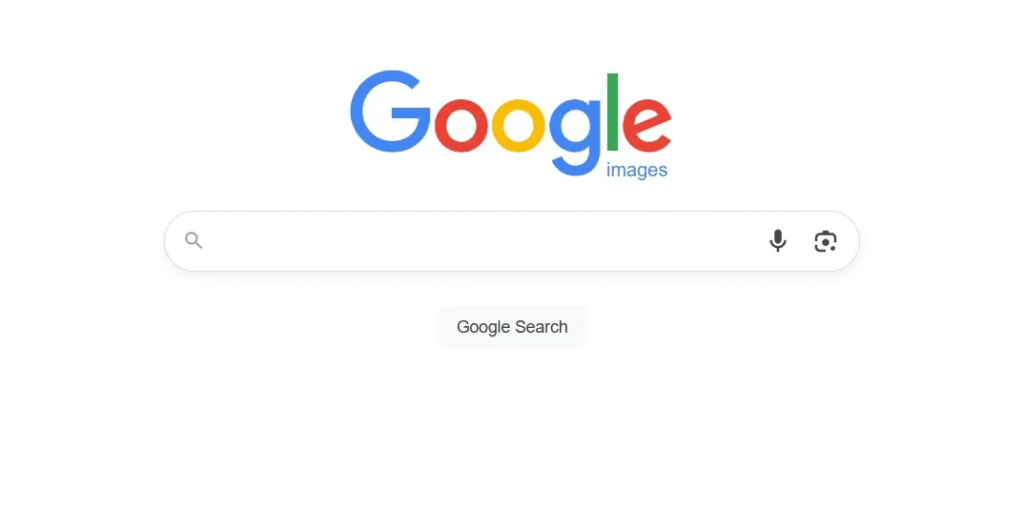
Image search techniques Google provides remain the most widely used option worldwide. Google Images supports both keyword and reverse searches. Users can upload images, paste URLs, or type descriptive queries. Its vast database and AI algorithms deliver fast and reliable results for personal and professional use.
TinEye
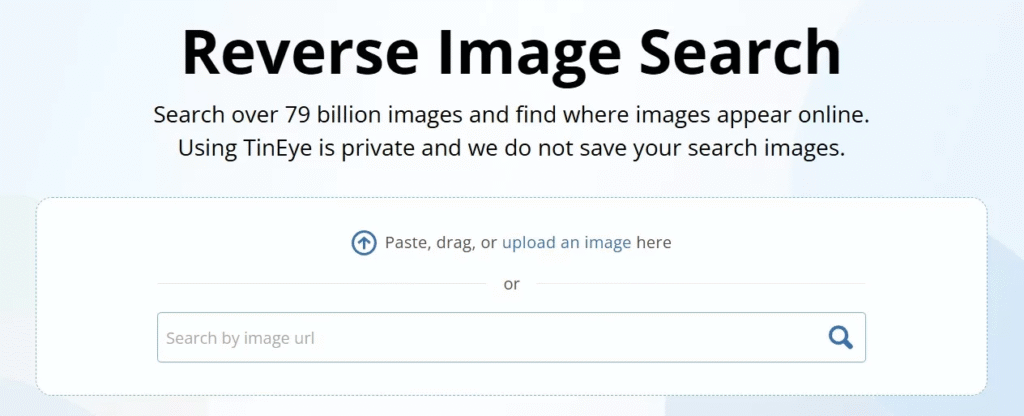
TinEye specializes in reverse image search. It excels at finding duplicates and modified versions of images. Photographers and journalists use it to track unauthorized usage and confirm authenticity.
Bing Visual Search
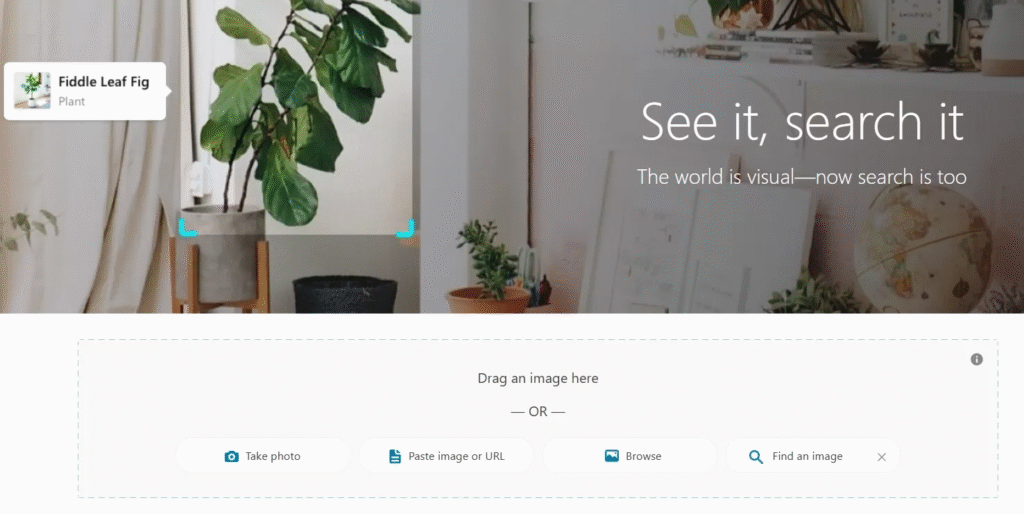
Bing offers interactive features that allow users to highlight specific objects within images. This makes it particularly helpful for shopping and product identification.
Pinterest Lens

Pinterest Lens focuses on lifestyle and creative discovery. Users can upload or capture photos to find similar fashion, décor, or recipe ideas.
Yandex Images
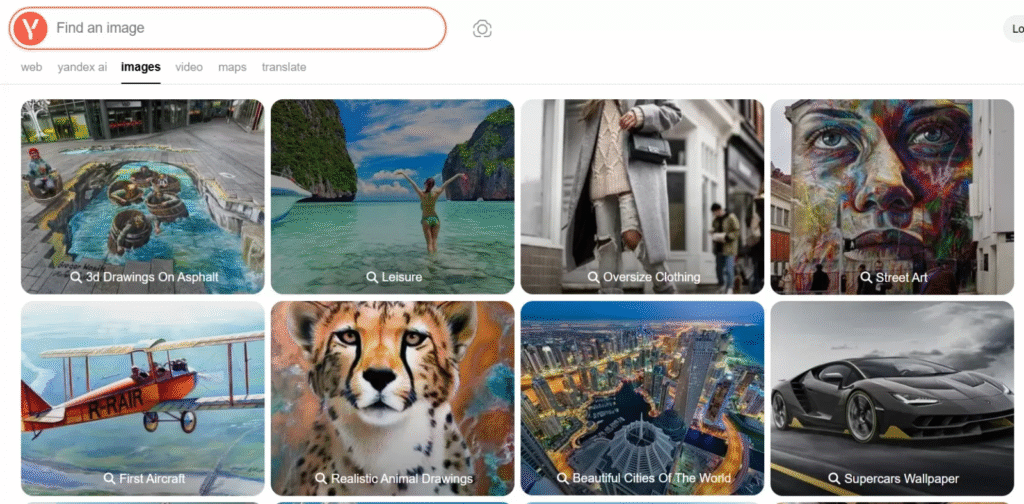
Yandex is known for strong facial and object recognition capabilities. Many professionals use it as a secondary verification tool when cross-checking results.
Shutterstock

Beyond stock photography, Shutterstock provides reverse search functionality for registered users, helping creators track licensed content.
Best Practices for Effective Image Searching
To maximize results, use high-resolution images. Blurry or heavily cropped pictures reduce accuracy. When using keywords, be specific and descriptive. Experiment with multiple platforms instead of relying on one search engine.
Apply filters to refine results by size, color, usage rights, or publication date. Ethical usage is equally importantalways check copyright and licensing terms before downloading or sharing images.
Exploring image search tricks such as combining keywords with reverse searches or using browser extensions can significantly improve efficiency. An effective image search tutorial often emphasizes experimenting with multiple tools to achieve the most accurate results.
Common Mistakes to Avoid
One common mistake is uploading low-quality images. Another is depending solely on a single search engine. Failing to verify usage rights can lead to legal issues. Overloading queries with unnecessary keywords may also reduce result accuracy.
Being strategic and precise ensures better performance from Image search techniques and prevents wasted time.
Practical Applications of Image Search
Journalism and Media Verification
Reporters use reverse image search techniques to verify whether images are authentic or manipulated before publishing stories.
eCommerce and Online Shopping
Customers can upload product images to find similar items instantly. This improves shopping convenience and increases sales.
Education and Research
Image search techniques for students help locate educational visuals, verify sources, and maintain academic integrity.
Design and Marketing
Creative professionals use visual similarity and color-based searches to develop campaigns and maintain brand consistency.
Brand Protection
Companies monitor online platforms to detect unauthorized use of logos or promotional materials.
How to Search an Image to Find Similar Images
To search an image to find similar images, upload the photo to a reverse search engine like Google Images or TinEye. The system analyzes visual features and displays matching or related content. You can refine results by adding keywords or applying filters for better accuracy.
Future of Image Search
The future of Image search techniques lies in enhanced AI capabilities. Systems will better interpret emotions, context, and user intent. Integration with augmented reality will allow users to point their camera at objects and receive instant information.
As technology evolves, privacy and ethical standards will also gain importance. Responsible innovation will shape how visual data is processed and protected.
FAQs
What are Image search techniques?
Image search techniques are methods used to find images online through keywords or by uploading a photo for analysis. They rely on AI and computer vision to match visual data.
How do reverse image search techniques work?
Reverse image search techniques analyze the uploaded image’s visual features and compare them with indexed images across the web to find identical or similar matches.
How does image search work in simple terms?
If you are wondering how image search works, it examines colors, shapes, and patterns in a photo and matches them with stored images in a database.
Are image search techniques for students useful?
Yes, image search techniques for students are valuable for research, presentations, and verifying the authenticity of visual materials.
What are some useful image search tricks?
Helpful image search tricks include using high-resolution images, combining keywords with reverse searches, applying filters, and checking multiple platforms.
Conclusion
In today’s visually driven digital landscape, mastering Image search techniques is a critical skill. From verifying authenticity and protecting copyrights to discovering design inspiration and enhancing online shopping, image search has transformed how we interact with visual content. By understanding how image search works and choosing the appropriate method for each task, you can improve efficiency, accuracy, and digital confidence. As technology advances, visual search will continue to shape the future of communication, research, marketing, and innovation.